
How to Install IPTV on iPhone & iPad
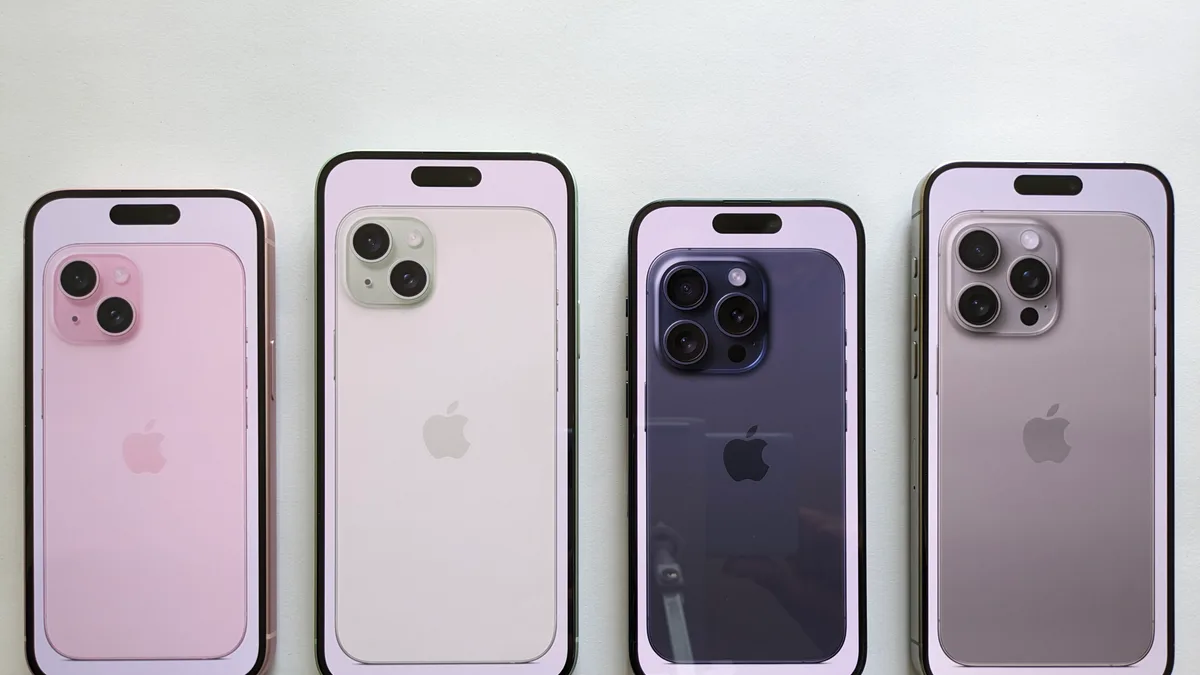
Of all the devices you could set IPTV up on, iPhone and iPad are among the simplest, since compatible player apps sit right in the App Store. Below is the general outline — for the complete steps, see our iPhone & iPad installation guide.
What you'll need first
A reasonably current iOS version, an Apple ID logged into the App Store, and your IPTV World Pro credentials or M3U link on hand.
How the process generally goes
Find a compatible IPTV player in the App Store, install it, then load your playlist — either by entering your username, password, and server address, or by pasting your M3U link directly.
Sending playback to a bigger screen
Once your channels are up and running on your device, AirPlay lets you push playback straight to an Apple TV or any AirPlay-capable television, with no extra configuration needed.
Typical first-time snags
Nearly every early issue traces back to a credential typo. For a dedicated troubleshooting checklist built for iOS, check the full iPhone & iPad guide.
Haven't subscribed yet?
Take a look at IPTV World Pro plans before installing, so your login details are ready the moment setup is done.