
Installation Guide
Setting Up IPTV World Pro on Firestick
Firestick remains a favorite way to bring IPTV World Pro to the living room TV, mainly because it's affordable and supports a wide range of apps. Follow the steps below to load a player app and connect your subscription so you're watching within minutes.
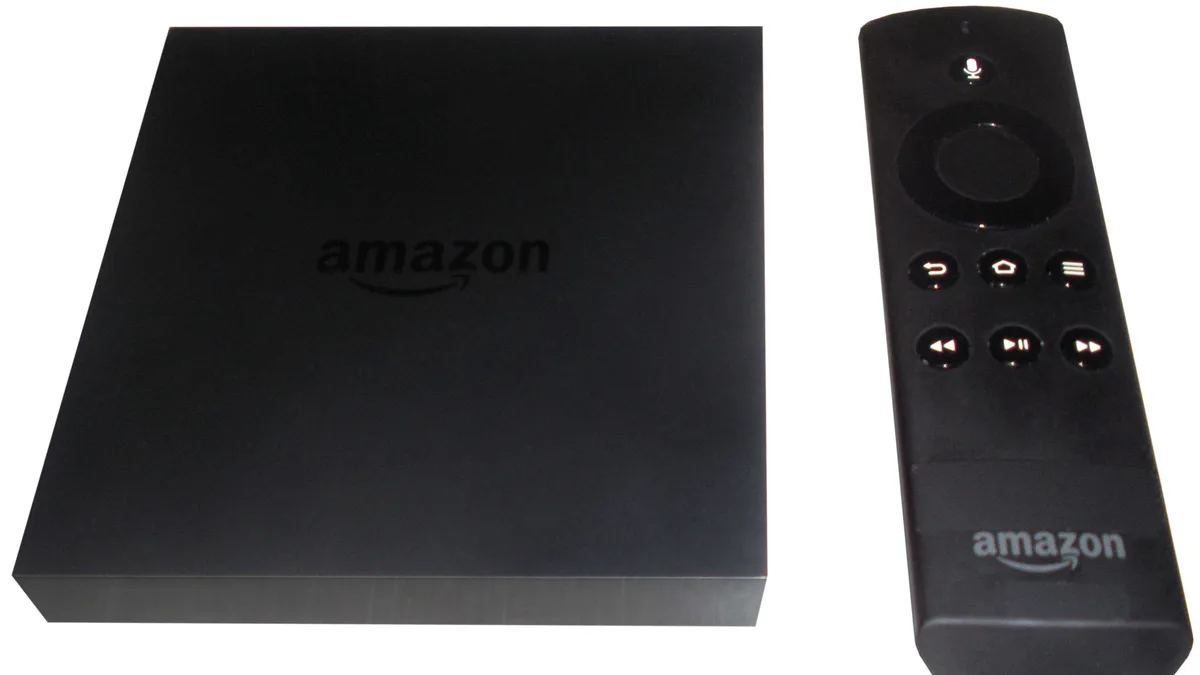
What you’ll need
- An Amazon Fire TV Stick or Fire TV running Fire OS 6 or later
- A live IPTV World Pro subscription with your login credentials or M3U URL on hand
- A reliable internet connection — aim for at least 15 Mbps for HD playback
- An Amazon account already signed in on the device
Step-by-step instructions
- 1
Turn on installs from unknown sources
From the Fire TV home screen, head to Settings > My Fire TV > Developer Options and enable Apps from Unknown Sources. This step is required before you can sideload an IPTV player.
- 2
Grab the Downloader app
Search the Fire TV app store for Downloader and install it — it's free. You'll use it in a moment to pull down the IPTV player's install file.
- 3
Fetch a supported IPTV player
Open Downloader, type in the URL for a compatible IPTV player app (IPTV Smarters or another well-known option both work), and let it download. Run the installer once it finishes.
- 4
Sign in with your IPTV World Pro details
Open the player, select the option to add a new playlist, then enter the username, password, and server address (or M3U link) from your IPTV World Pro welcome email.
- 5
Sync channels and start watching
The player will pull in your channel lineup and program guide automatically. When the sync wraps up, browse by category or search directly for the channel you want.
Troubleshooting
Downloader can't reach the file at the address I typed
Recheck the URL for typos, or use Downloader's built-in browser to search for the player's official download page instead of typing the address manually.
The player installs but closes immediately when opened
Reboot the Firestick via Settings > My Fire TV > Restart, then try launching the app again. If the crash continues, remove the app and install it fresh.
Channels start playing but buffer constantly
Test your connection speed on the same Wi-Fi network. Anything under 15 Mbps means you should try an Ethernet adapter or move the Firestick closer to the router.
"Invalid credentials" pops up when adding the playlist
Type your username, password, and server URL again slowly, watching for stray spaces. Still stuck? Reach out to support to make sure your account shows as active.
Still need help? Check our FAQ page or contact support.